Dashboard
The Hydrate dashboard runs locally at
http://localhost:<port>/. The port is auto-picked
on first run and written to ~/.hydrate/server.port.
Open it with hydrate dashboard or paste the URL
yourself. It reads the same SQLite file the daemon writes to;
nothing leaves the machine.
Pages: Home (live cockpit) · Displacement · Orchestration · Fatigue · Facts · Chunks · Dehydrate · Handovers · Files · Skills · Settings · Help.
Home
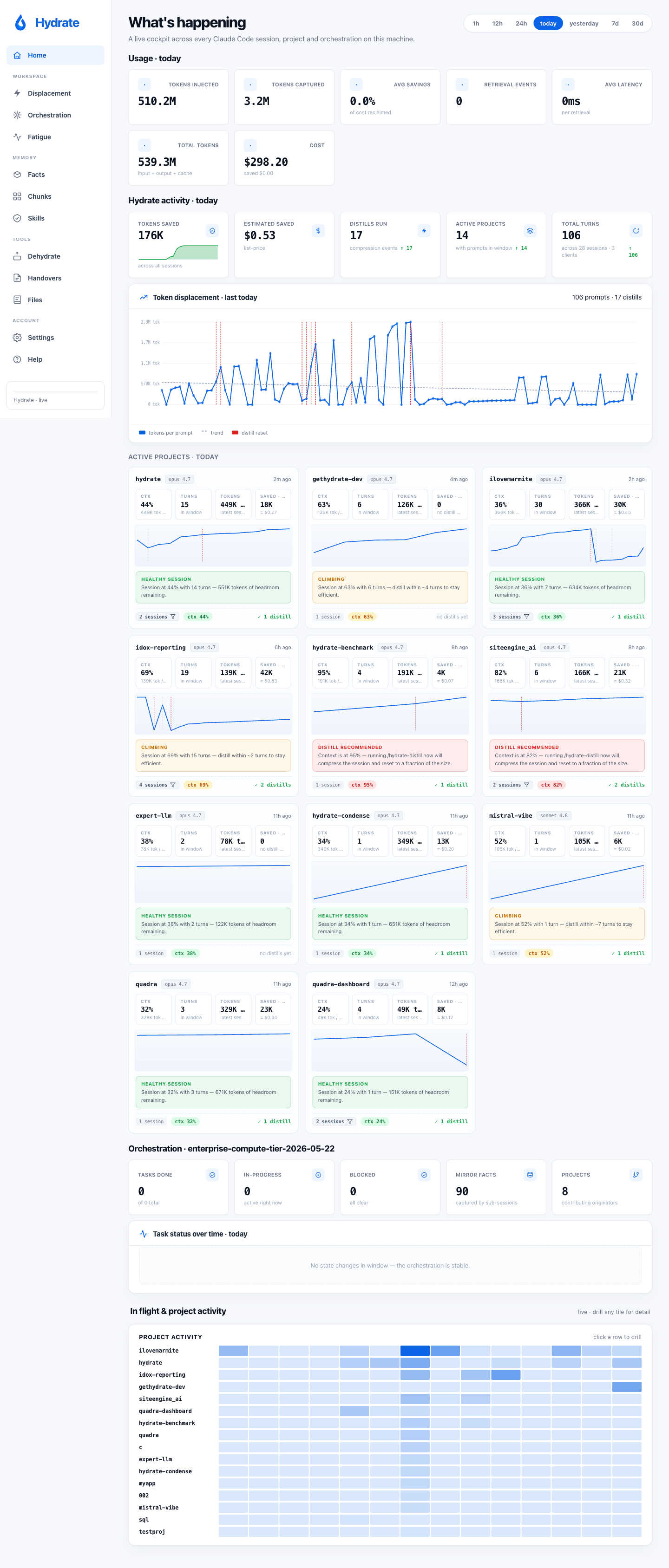
The default landing is a five-section live cockpit composed from project rollups, in-flight orchestrations, and the day's token usage. It updates in real time via Server-Sent Events while sessions are running.
The SSE channel is fanned out by an in-memory broadcaster with a
per-subscriber buffer cap; a slow tab loses its events instead of
slowing the whole stream. Each event carries a small HTML
fragment that the page swaps into place via HTMX, so the dashboard
does not need a client-side state model. Per-row fact updates use
indexed FactByID lookups (rather than scanning the
full fact list per event), keeping update latency flat as the
project's fact count grows.
As of v0.10.0 the dashboard is responsive across all of its routes: a redesigned mobile KPI hero with a swipeable rail, and a 390px / 768px overflow sweep, so the cockpit is usable on a phone. The old blank-home and "connecting" live-feed stalls are gone too; both traced to one uncached transcript scan on a hot path, now a single-flight cache, so the home page and live feed render instantly.
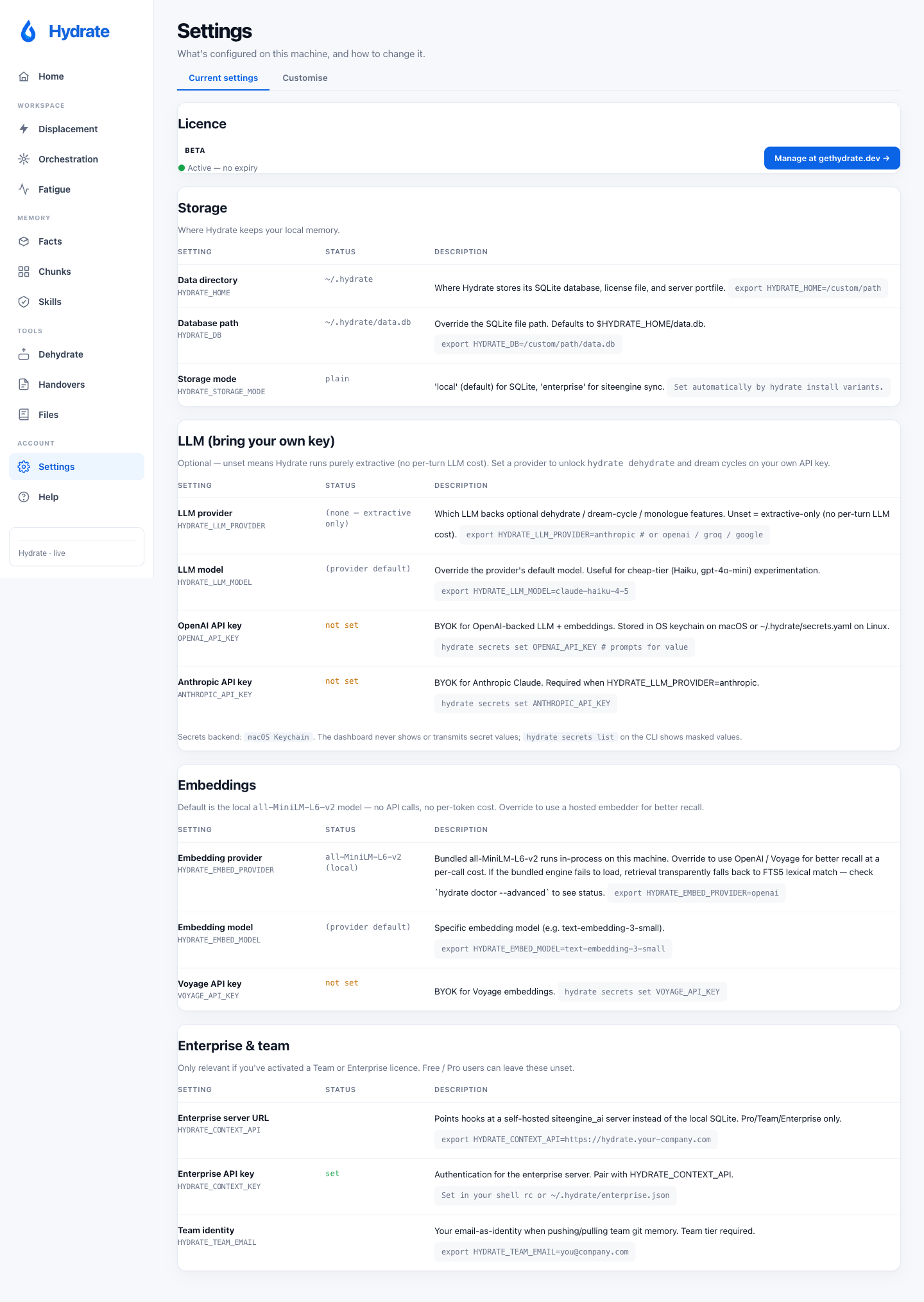
Settings: tabbed configuration
Two tabs. Current settings shows what's configured on this machine (licence tier, storage paths, LLM provider, enterprise hooks). Customise is a script-builder: pick options in the form and the page emits a shell script for macOS / Linux / Windows that you copy and run yourself. The dashboard never changes settings on its own; you always run the generated script.
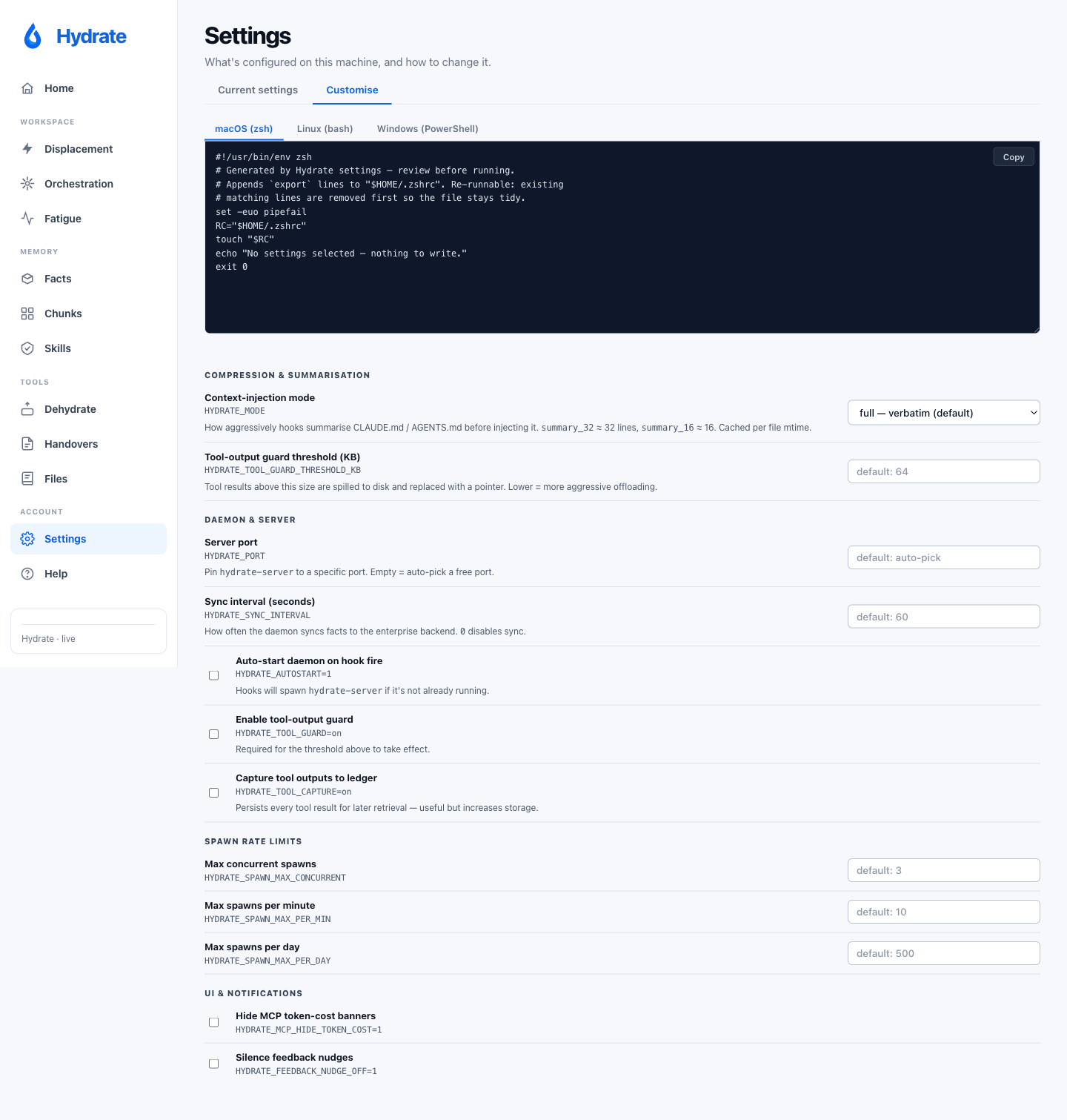
The Customise tab surfaces the knobs that aren't visible elsewhere:
context-injection mode (full / economy / turbo), tool-output
guard threshold, daemon auto-start, spawn rate limits, and UI
notification preferences. Generated as exports to your shell rc
(or SetEnvironmentVariable on Windows), framed by
# >>> hydrate config >>> markers so re-runs
cleanly replace the previous block.
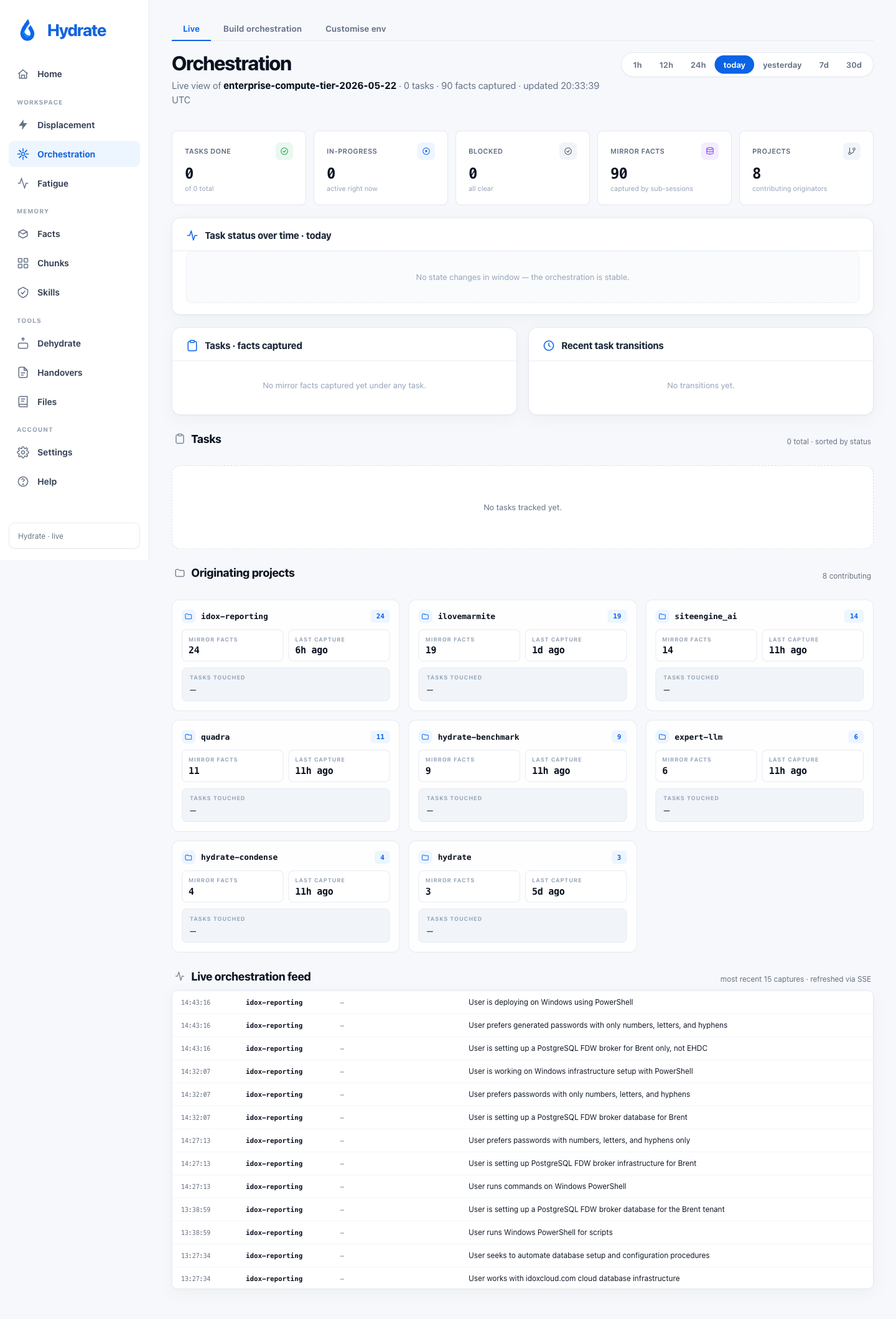
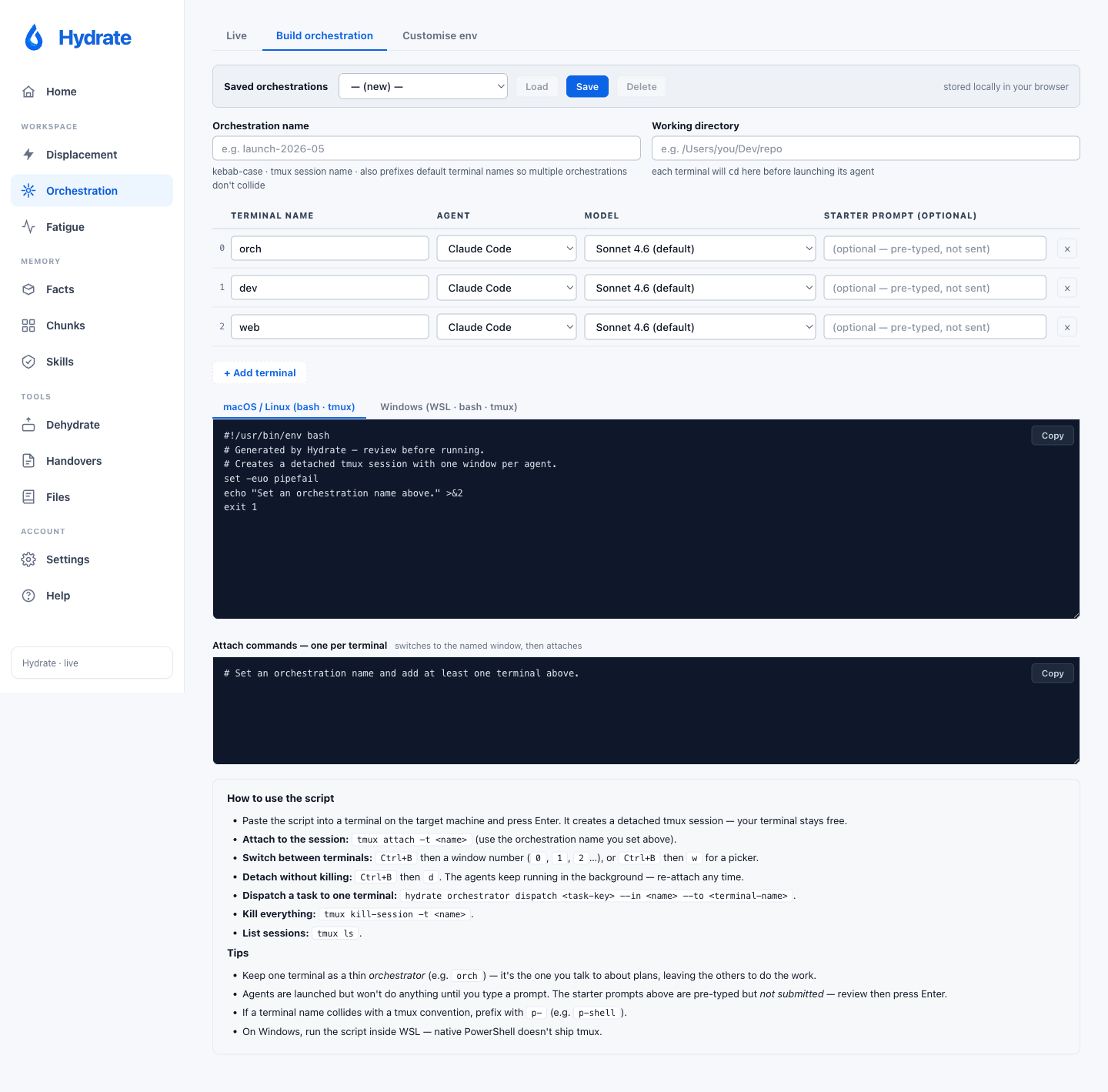
Orchestration: three tabs
Live shows current orchestrations and their pane
states, streamed live. Build orchestration is a
form that creates a tmux session with one window per agent: pick
a name, working directory, and per-terminal agent (Claude Code /
Codex / shell) + model. Save / load configurations to
localStorage; the generated script also registers the layout via
hydrate orchestrator set so it shows up in your
orchestrator state. Customise env is the
orchestrator-specific equivalent of the settings script-builder.
Facts
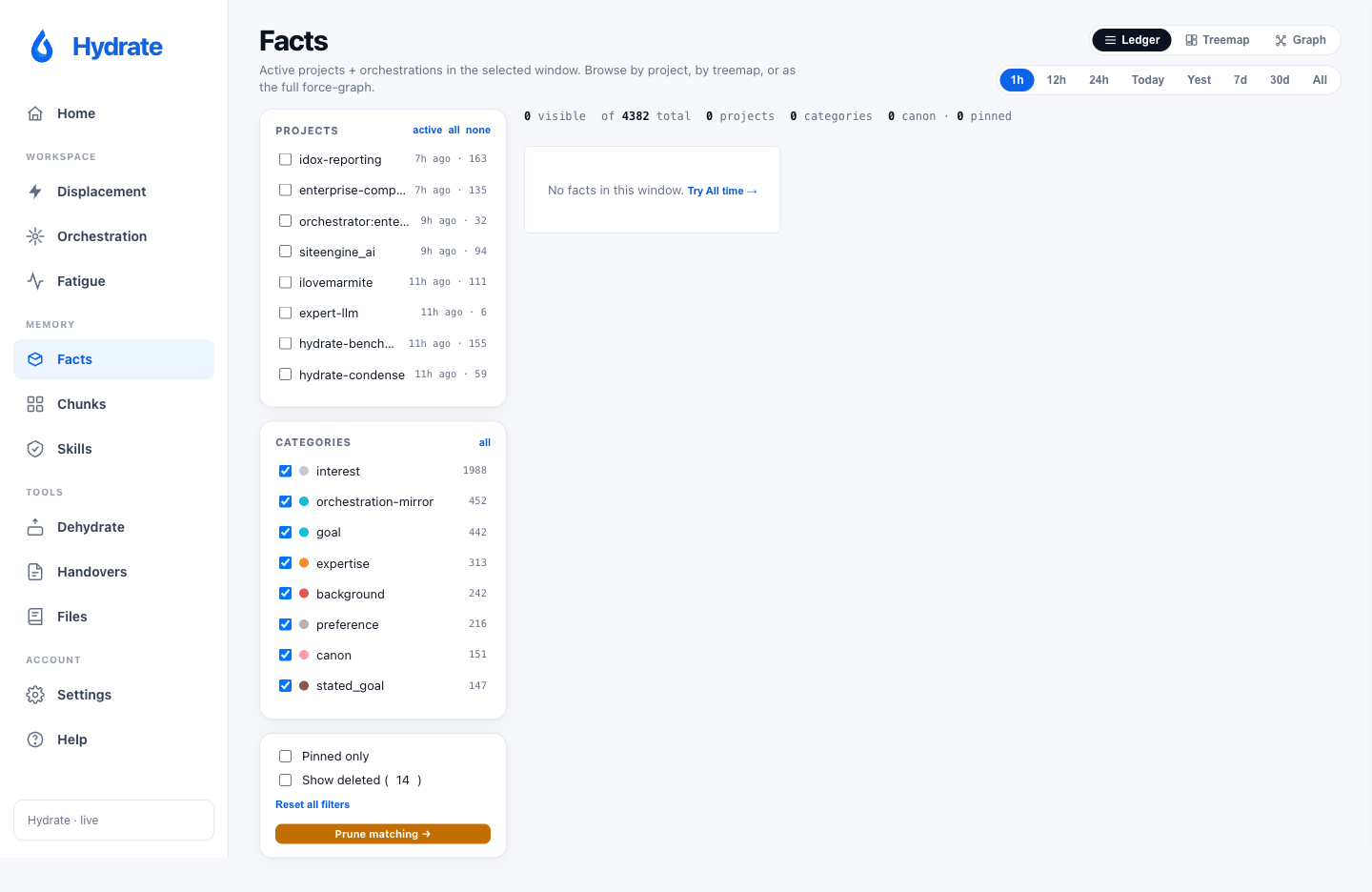
A force-directed graph of the facts Hydrate has learned. Filter by project, area, time window, or pinned state. Use the dashboard to audit drift and prune stale entries; facts you never re-touch are candidates for removal.
Chunks new in v0.5.0
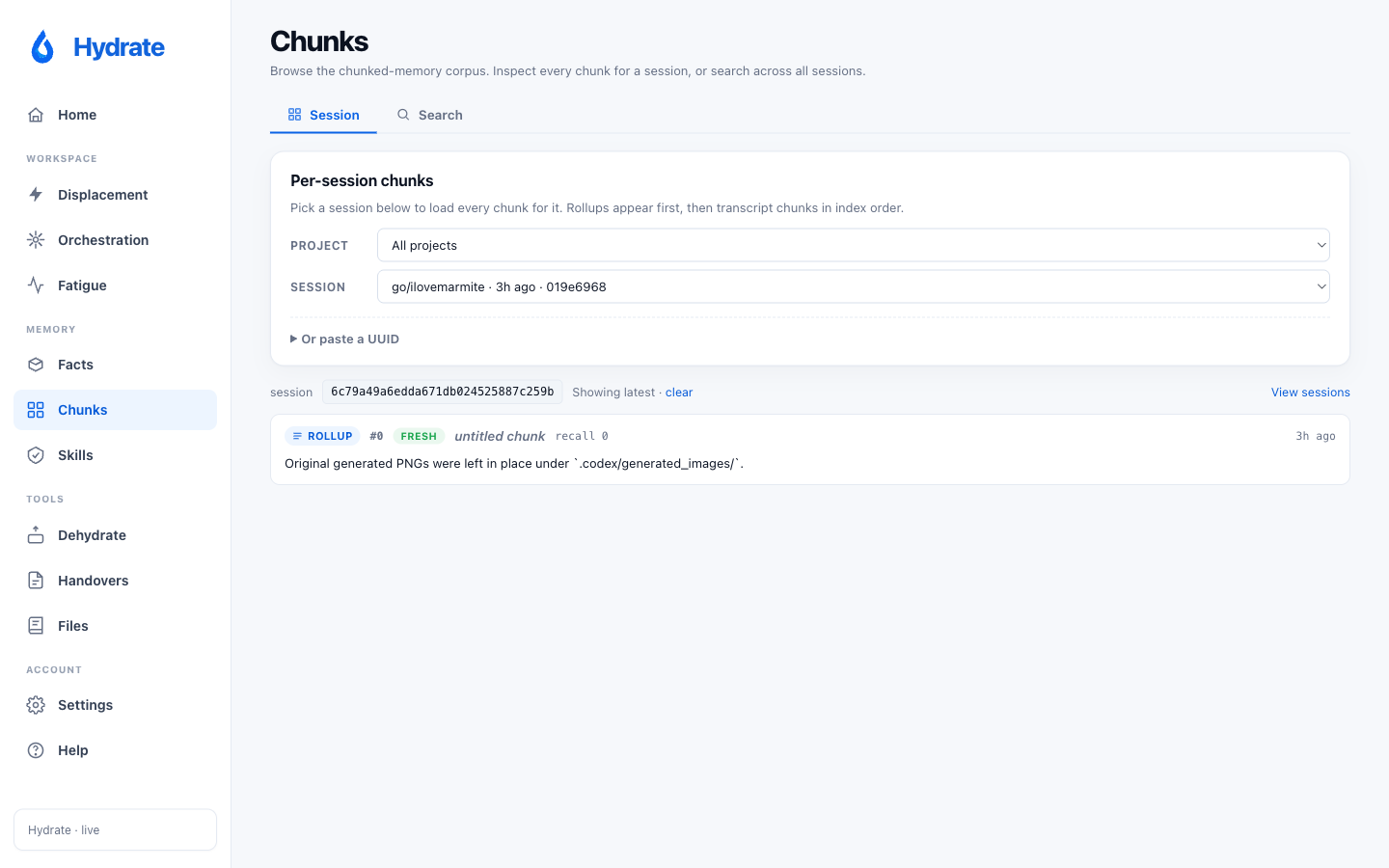
An explorer for the chunker's output on any distilled session.
Pick a project, then a session, and the page renders the ranked
chunks the rollup pipeline built: the same content that ends up
in /hydrate-last briefings. Useful when a briefing
feels wrong: you can see exactly what the chunker kept, what it
dropped, and where a fact you expected to survive landed in the
rank order. Sessions without chunks show an empty-state hint;
the Recent Sessions card on Home cross-links straight into this
page.
Dehydrate new in v0.5.0
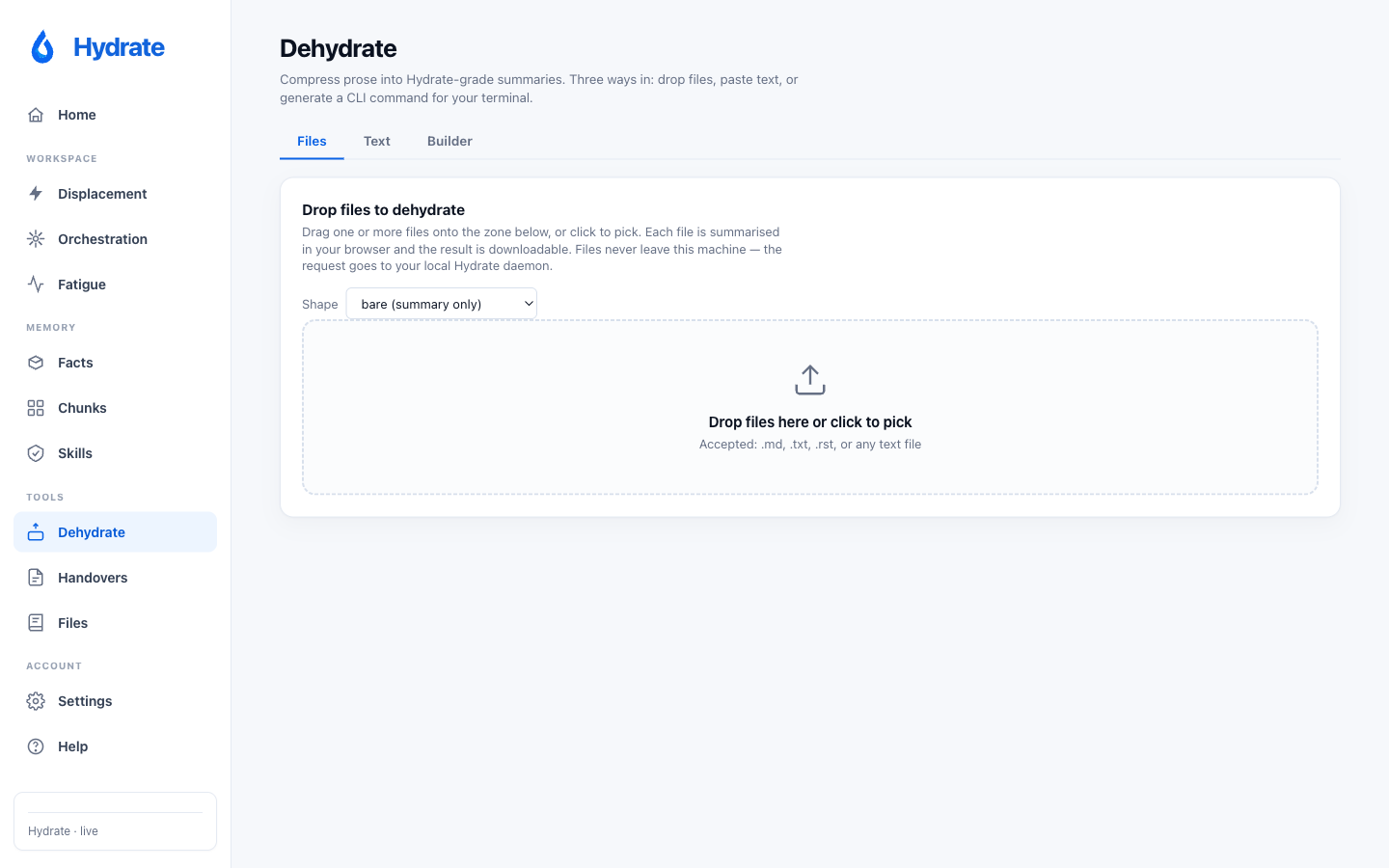
A three-tab Tools page wrapping the hydrate dehydrate
pipeline. File mode points at a markdown file on
disk and shows the rewriter's before / after with byte counts.
Text mode is a paste-in box with a density slider
(compact / standard / verbose). Settings exposes
the same knobs the CLI accepts. The rewriter runs entirely on the
deterministic-NLP pipeline introduced in v0.5.0: zero LLM calls,
reproducible output, and an honest reduction display that explains
when small inputs cannot compress further.
Handovers new in v0.6.0
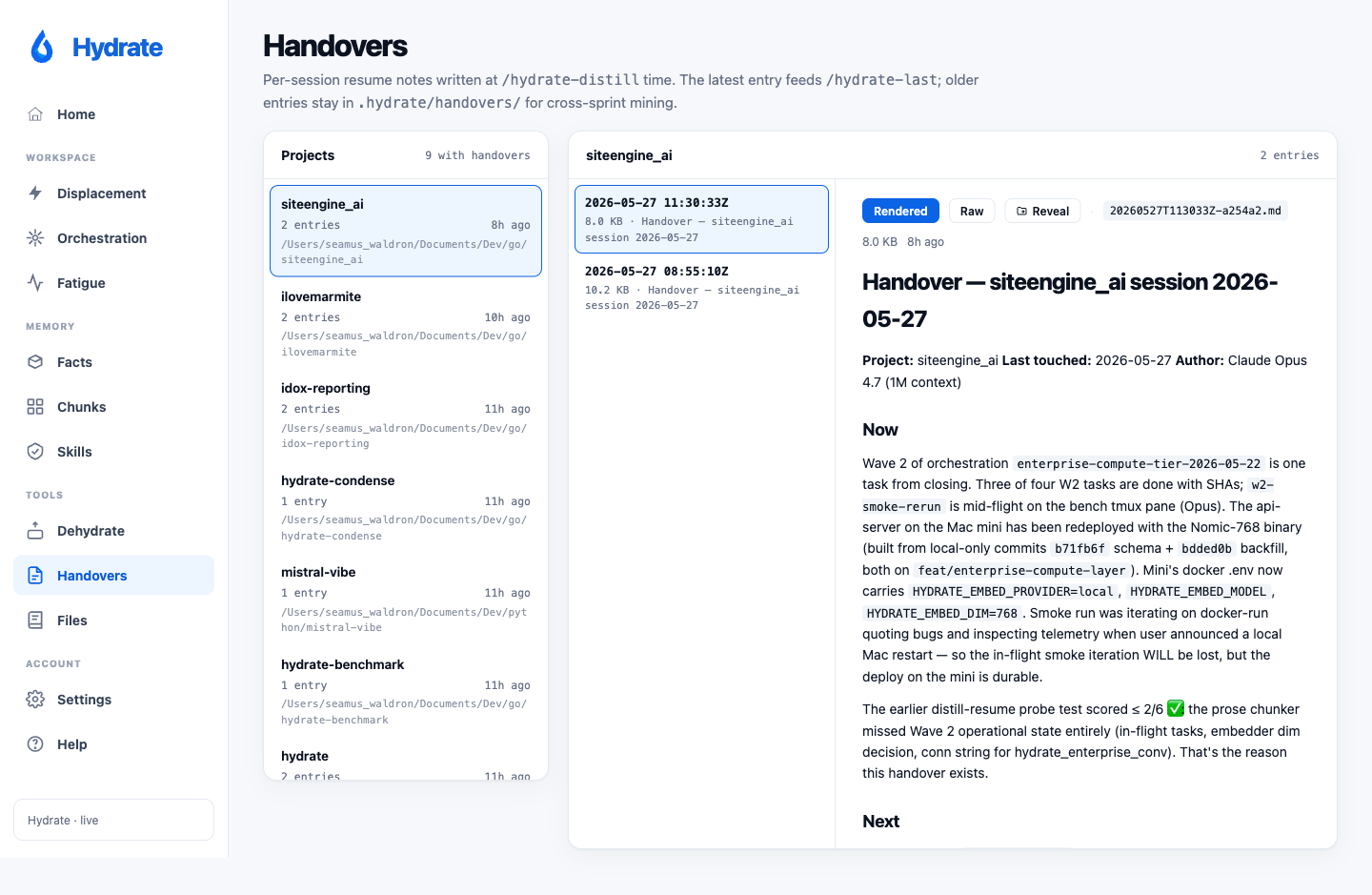
Browse the per-project handover archive written by
/hydrate-distill. A two-pane layout: the left rail
lists every project that has at least one entry in
.hydrate/handovers/, sorted by most-recent archive
first with name, entry count, and a relative-age badge. The right
pane shows entries for the selected project (timestamp, size,
first H1) with a viewer that toggles between server-rendered HTML
(goldmark with GitHub-flavoured tables) and the raw markdown
source. A Reveal-in-Finder button on each entry opens the file
in the platform file manager.
Files renamed and restructured in v0.6.0
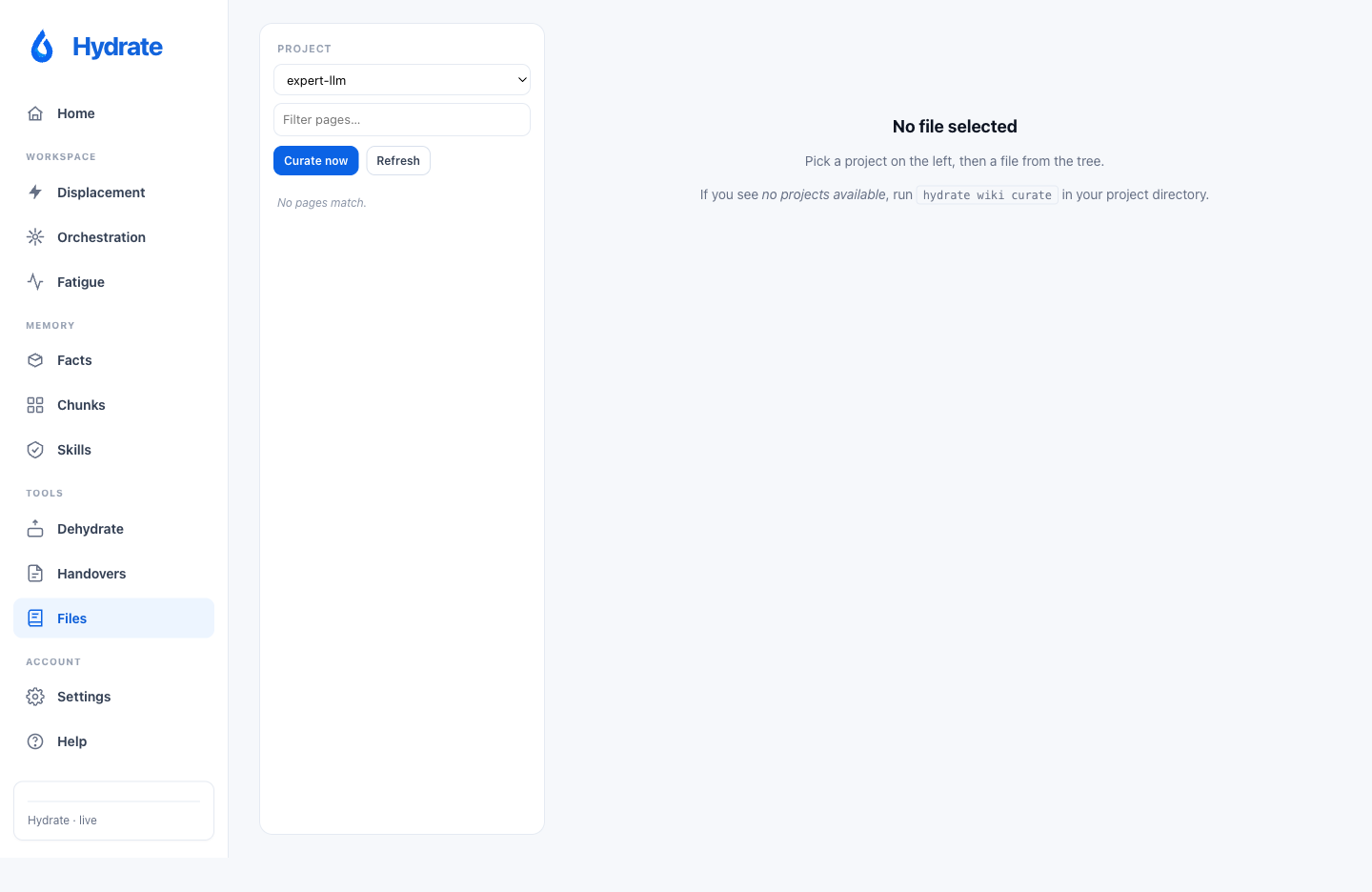
Formerly Wiki. The page now leads with a tree
browser that mirrors the actual source layout
(cmd/, internal/, etc.), with the
internal files/ prefix and .md extension
stripped, so you see cmd/hydrate/main.go rather
than files/cmd/hydrate/main.go.md. Clicking any node
renders the curated per-file page inline (Purpose, API, Callers,
Tests, Invariants, Configuration, Dependencies, See also). The
project-level prose pages (00-overview through 06-configuration)
collapse into a small Generated overview section
at the top of the tree, closed by default. Every page header and
every source chip carries a Reveal-in-Finder button; the source
viewer renders .md as HTML and everything else as
plain text, with path validation against the project root.
Displacement
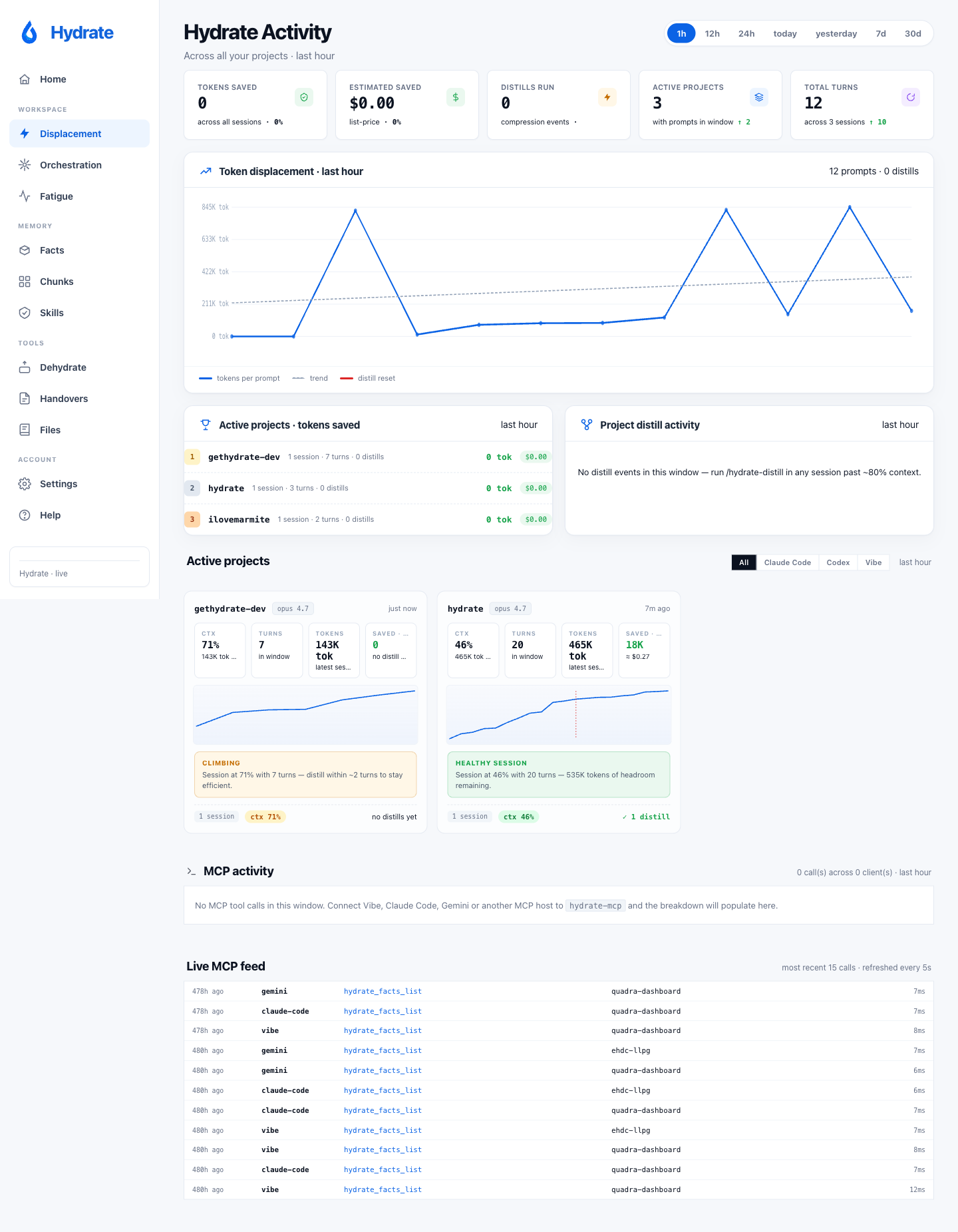
A per-session view of where your context budget actually went: what was injected by Hydrate, what came from CLAUDE.md and tool output, what the LLM produced, and how that mix evolved as the session ran. The timeline view makes it obvious when a hook, an MCP tool burst, or a CLAUDE.md re-read displaced the working context you actually wanted in the window.
Fatigue
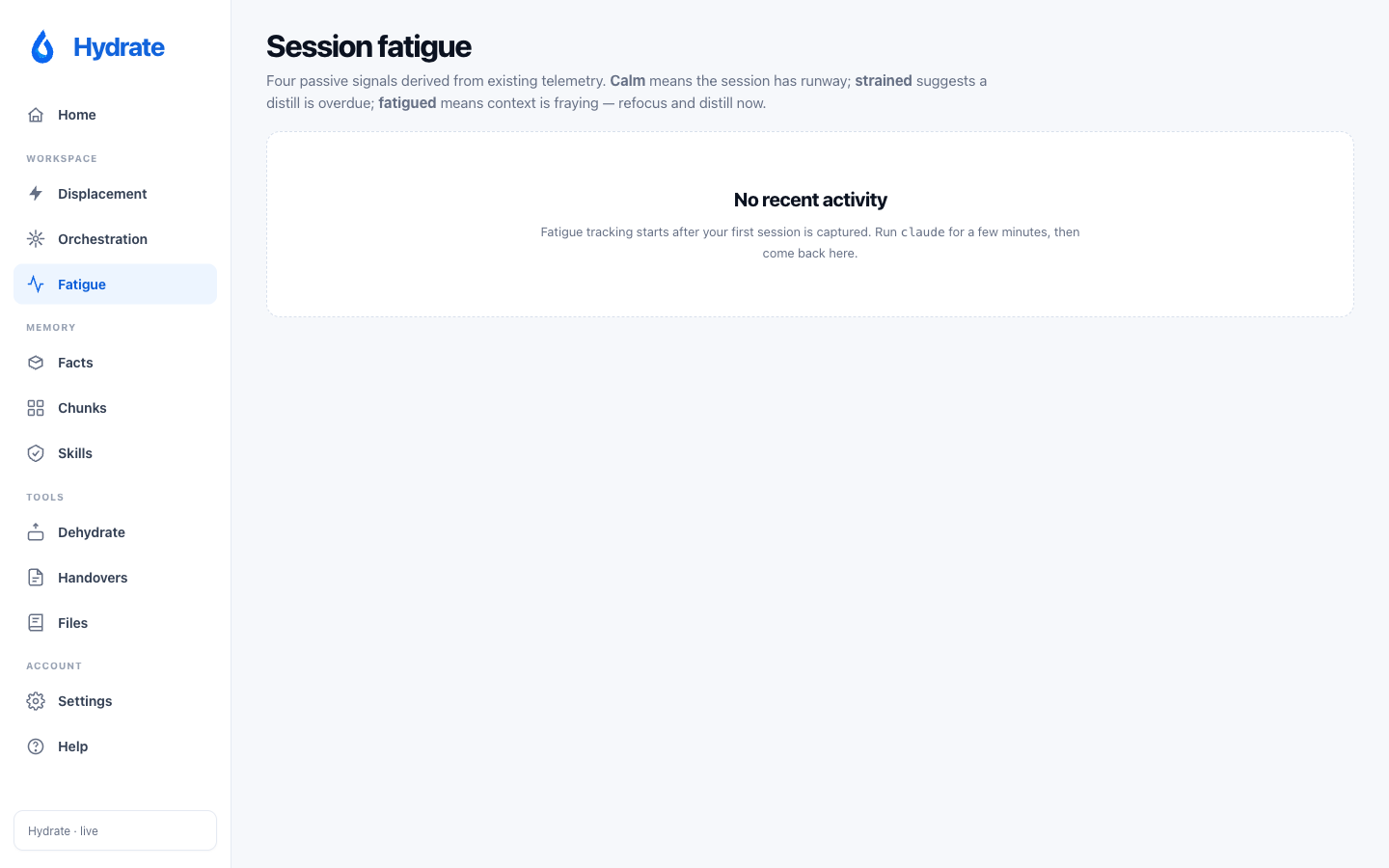
Aggregate signal counts pointing at sessions or projects under repeated context pressure: max token utilisation, distinct category counts, re-read penalty totals. Designed to make "this project keeps eating its window" visible at a glance rather than requiring a per-session forensic dig. No fact bodies, no transcripts, only aggregate telemetry already collected for other panes.
Skills
Tool-call sequences your past selves repeat across sessions, mined
by hydrate skill-mine. The dashboard surfaces every
pattern that fires in at least 3 distinct sessions, sorted by
frequency. Hit Draft to have the LLM generate a
skill markdown from the pattern's sample prompts;
Install copies the resulting file into Claude
Code's skills directory (global or repo-scoped depending on
project-dominance heuristics).
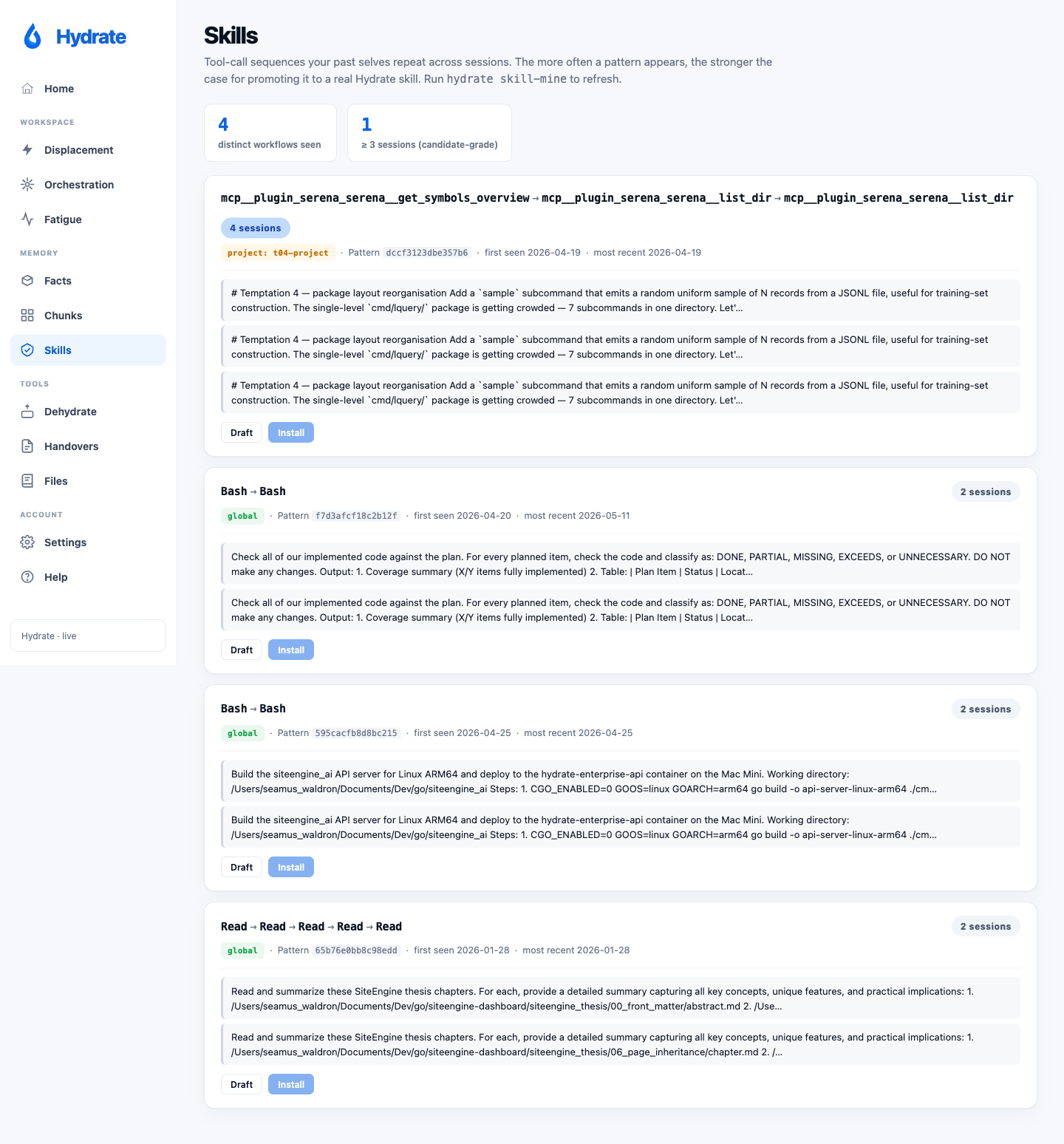
Skill mining is local; no LLM call unless you click Draft. Patterns also surface synthetic prompts (skill loaders, slash commands) which are filtered automatically.
Help: Reference and Builders
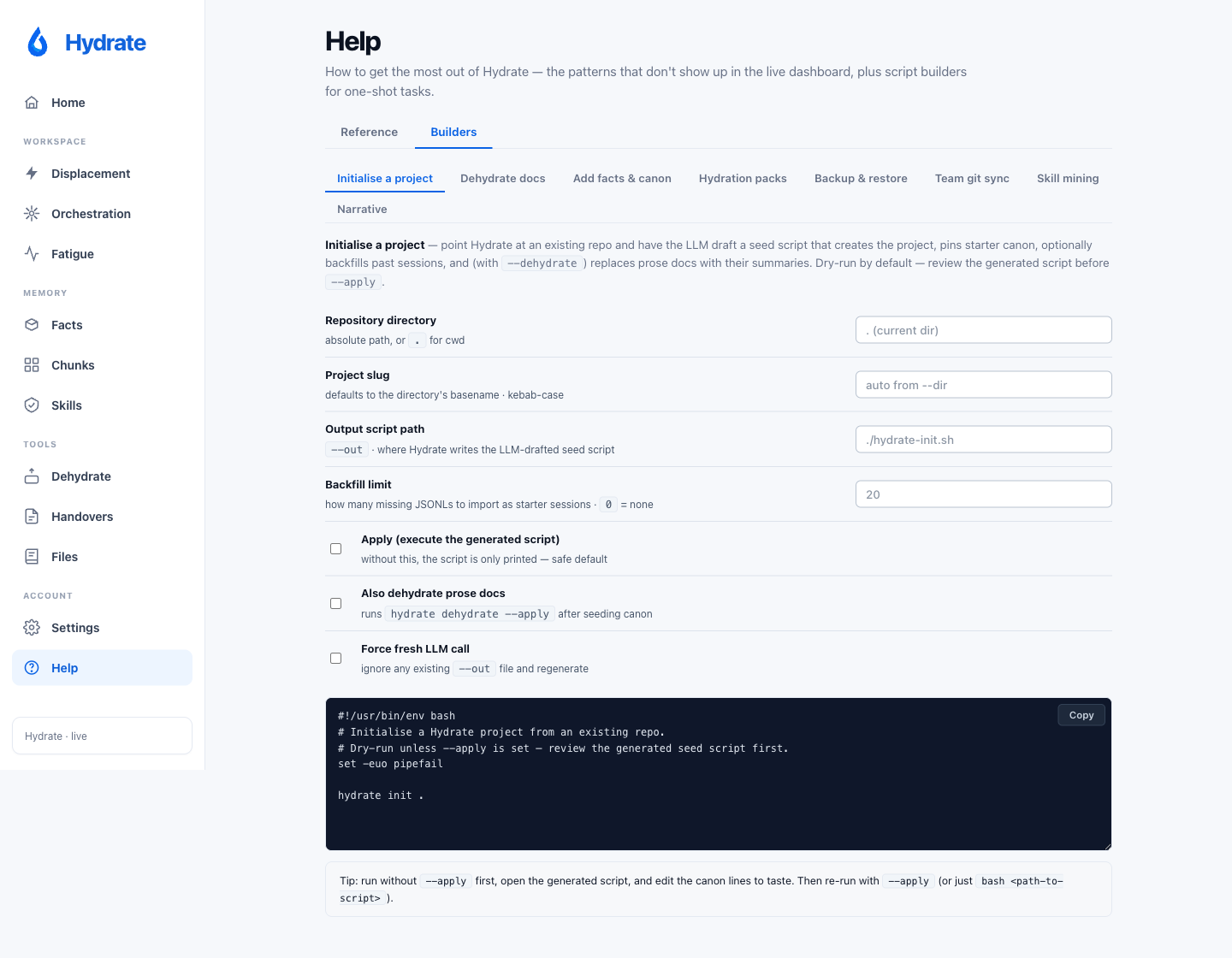
The in-product help page has two tabs. Reference covers the patterns that don't show up elsewhere (distill / clear / hydrate-last cycle, Opus-to-Sonnet handoff, auto-compact behaviour, slash commands, parallel-worker pattern) plus a complete catalogue of every CLI command grouped by purpose. Builders hosts eight task builders (Initialise a project, Dehydrate docs, Add facts & canon, Hydration packs, Backup & restore, Team git sync, Skill mining, and Narrative), each generating a shell script you copy and run.
Where the data comes from
~/.hydrate/data.db: Hydrate's SQLite store (facts, canon, sessions, retrievals).~/.claude/projects/*/*.jsonl: Claude Code session transcripts; skill-mining walks these.~/.codex/sessions/*: Codex rollouts (when present).
The dashboard is an embedded single-page app served by the Hydrate daemon. No build step, no framework, no network calls; everything runs against the local SQLite.